
Definition of the Word Computer refers to the explanation of what a computer is and how it works. A computer is an electronic device which receives data, processes it, stores information, and produces results for the user. People use computers in schools, offices, hospitals, banks, and homes to complete tasks quickly and accurately.
A computer performs four basic functions in order to handle information. Input allows the user to enter data through devices such as a keyboard or mouse. Processing allows the system to analyze the data using the central processing unit. Storage keeps data for later use. Output shows the final results through devices such as a monitor or printer.
CONTENTS
- Definition of Computer
- Examples of computer use
- The importance of computers in daily life
- The four basic computer functions: input, process, output, and storage
- Different devices used for the four basic computer functions
- The advantages and disadvantages users face when using computers
- A brief explanation of what the Motherboard is and its two major parts
Definition of the Word Computer
The word Computer comes from the word compute which means to calculate. A computer is an electronic device that stores and processes data in order to produce meaningful information.
Information is processed data that has meaning and helps people understand and achieve their goals.
Computers are used in almost all daily activities. The aim is to use computer technology in an organized way to meet the unlimited and changing needs of humans.
Parts of a Computer
A computer is made of many connected electronic components. These include both basic and supporting parts. These components include hardware such as input devices, output devices, the system unit, storage devices, and communication devices.
Input Devices
Input devices are hardware components that allow users to enter data and instructions into a computer.
Five commonly used input devices include:
- Keyboard
- Mouse
- Microphone
- Scanner
- Webcam
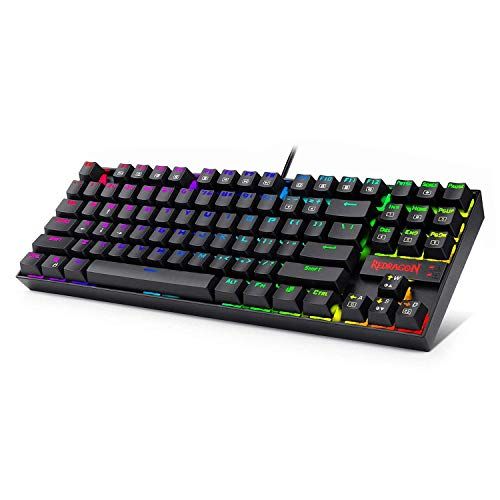
The keyboard contains keys that users press to enter data into the computer. Many keyboards such as those produced by IBM contain about 101 keys. Some keyboards include fingerprint readers for security so the computer works only after recognizing the user’s fingerprint.
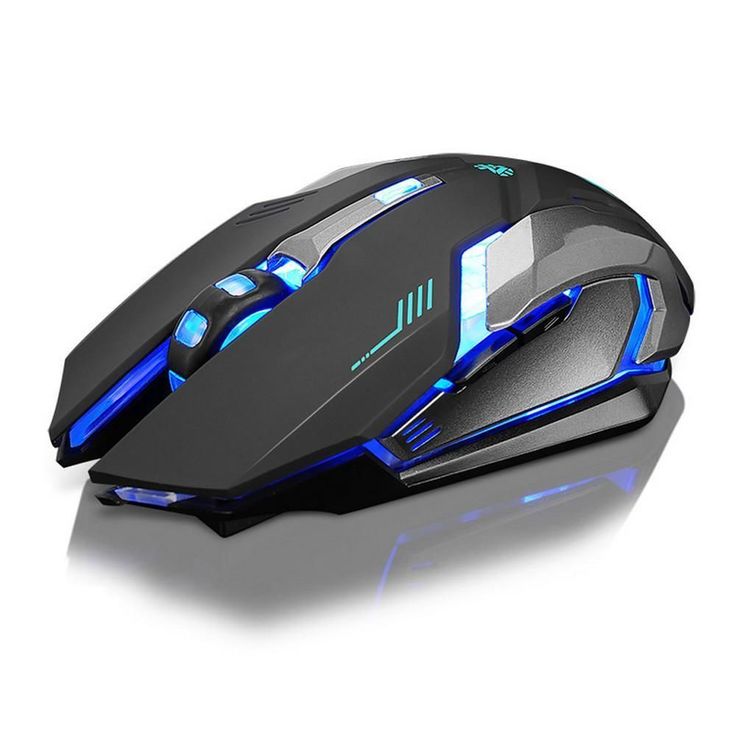
The mouse is a small handheld device used to control the movement of a pointer on the computer screen. The pointer selects programs or files displayed on the screen.
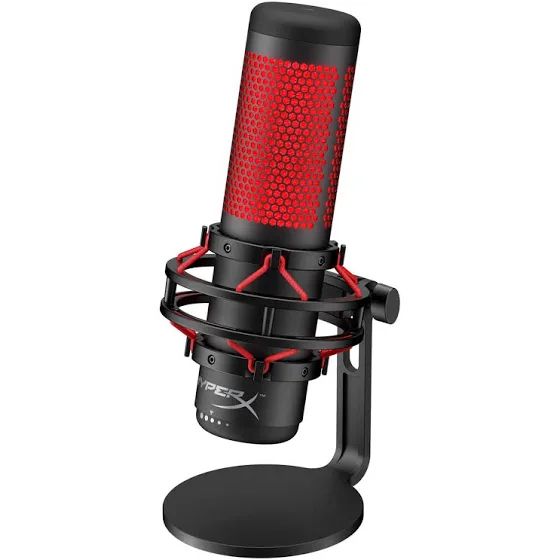
A microphone allows users to send voice input to the computer.
A scanner converts printed materials such as text and pictures into digital form.
A webcam is a digital video camera that records videos or takes pictures which the computer stores.
Output Devices
Output devices are hardware components that send information from the computer to users.
Three common output devices include:
- Printer
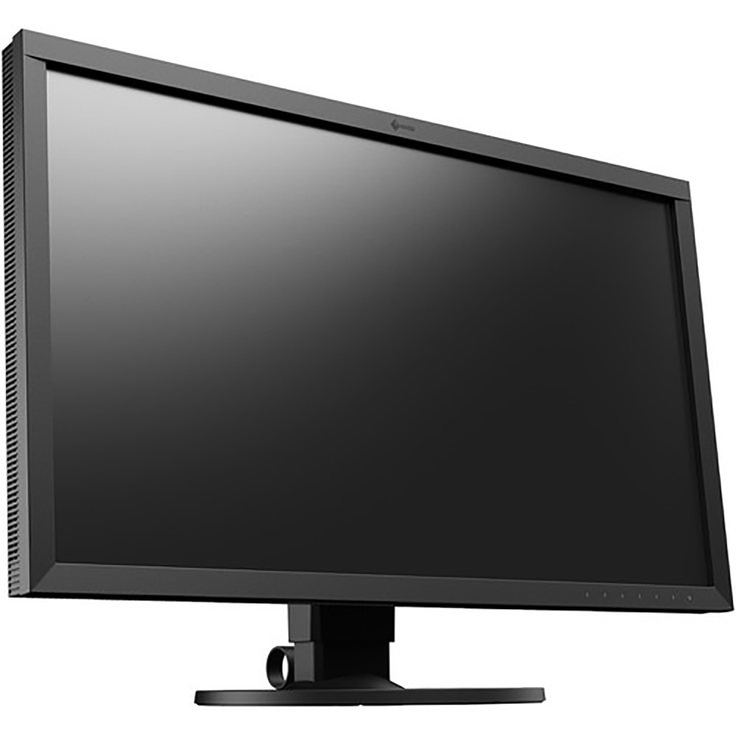
- Monitor
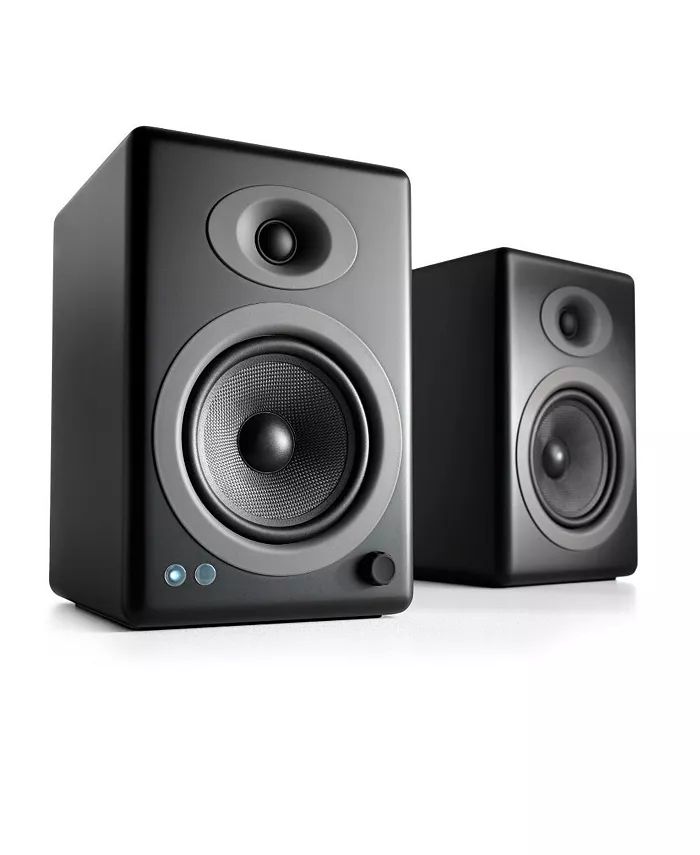
- Speakers
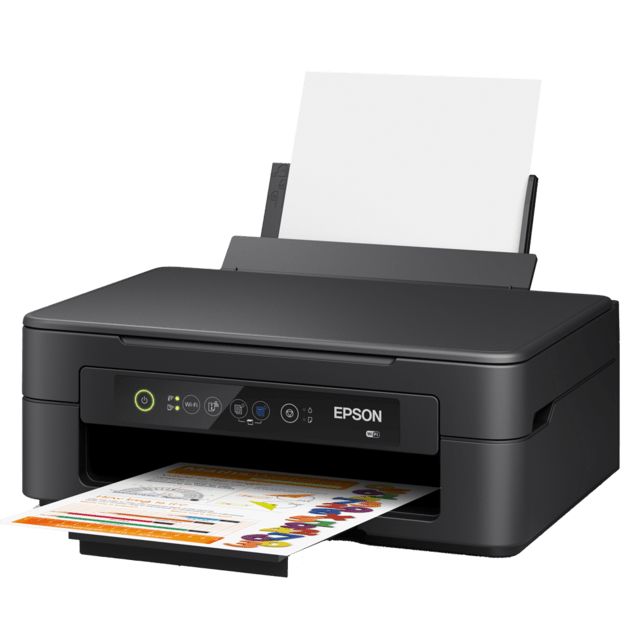
A printer produces text or images on paper.
The monitor displays text, images, and videos from the computer.
Speakers allow users to hear music, sound, and other audio.
System Unit
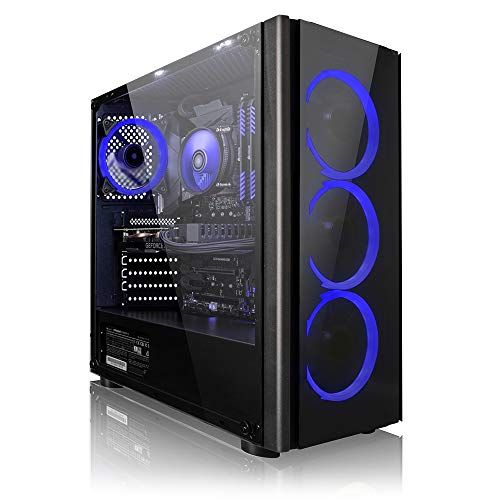
The system unit is the box that contains the main electronic components of the computer used for processing data.
Two major parts located on the Motherboard include:
- Processor
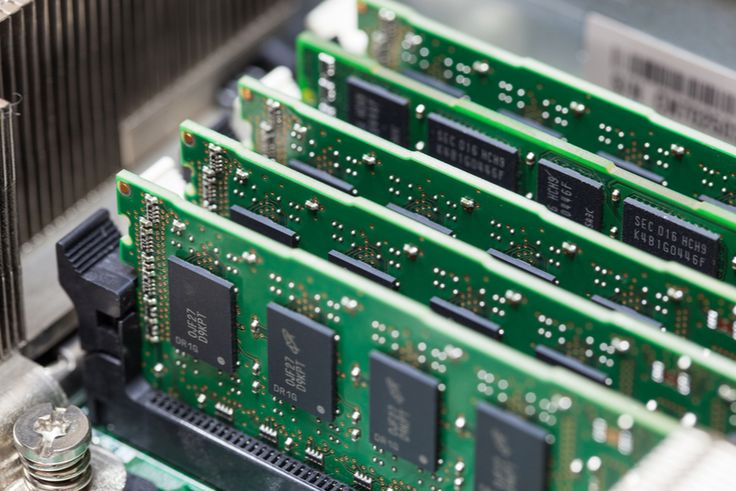
- Memory
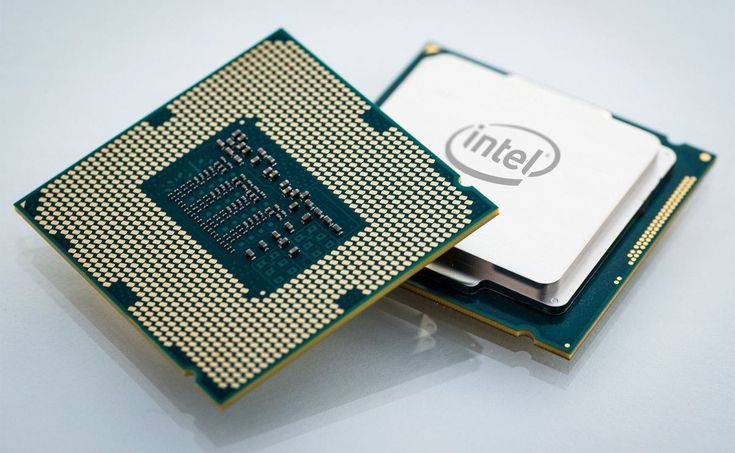
The processor also called the Central Processing Unit (CPU) is the electronic component that interprets and carries out basic instructions that operate the computer.
Memory consists of electronic components that store instructions and data. Some memory types store data permanently while most memory stores data temporarily and the information disappears when the computer shuts down.
Storage Devices
Storage devices store data, instructions, and information for future use. Computers store millions or billions of customer names and addresses.
Examples of storage devices include:
- USB flash drives
- Hard disk drives
- CDs and DVDs
- Memory cards
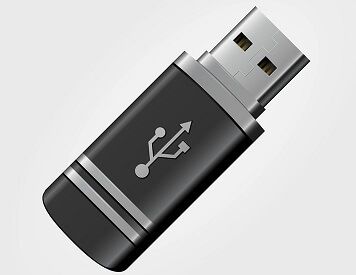
USB flash drives store data in a small portable device. You connect it to a computer through a USB port. People use it to store and transfer files such as documents, photos, and videos. It is easy to carry because of its small size. Common storage sizes include 8GB, 16GB, and 32GB.
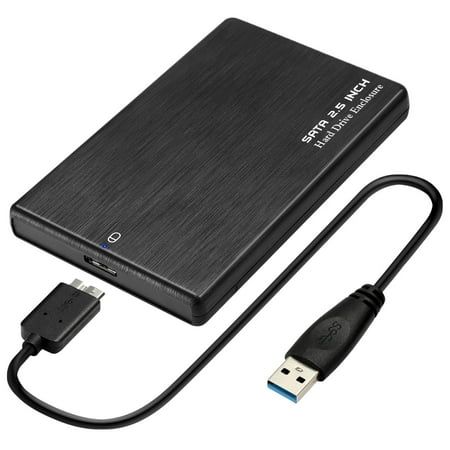
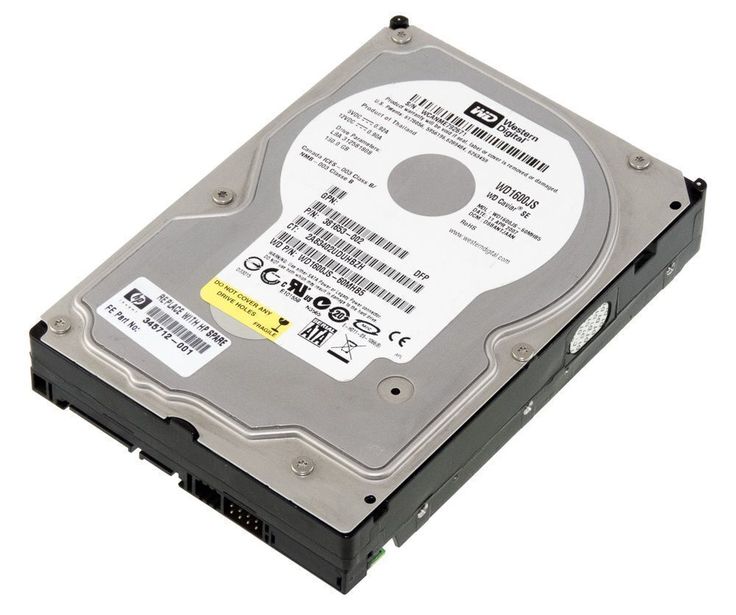
Hard disk drives store large amounts of data in a computer. They exist inside the computer or as an external device. The hard disk stores the operating system, software programs, and user files. It provides large storage capacity such as 500GB or 1TB.
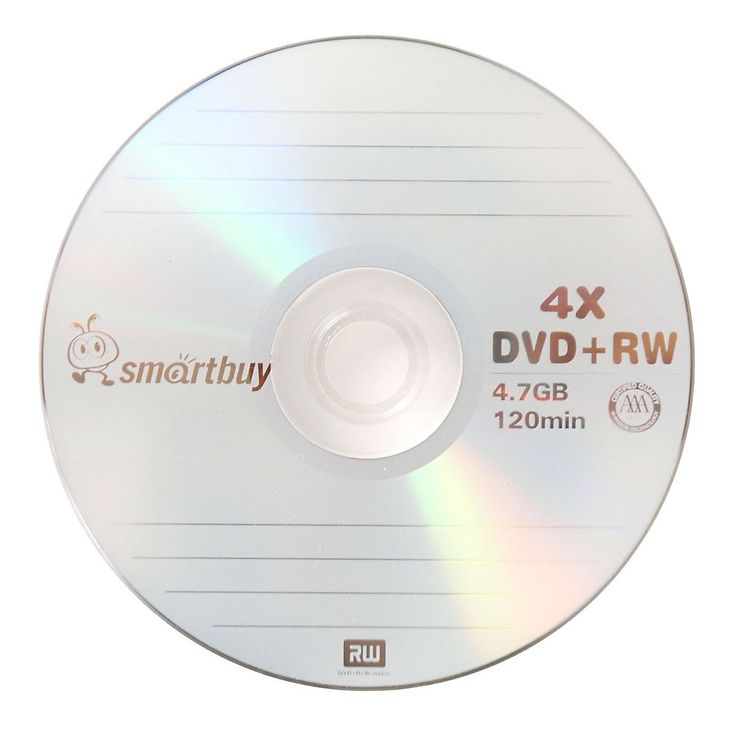
CDs and DVDs are round optical discs used to store data. A computer reads them using a CD or DVD drive. A CD stores about 700MB of data. A DVD stores more data, about 4.7GB. People use them for music, movies, and software.
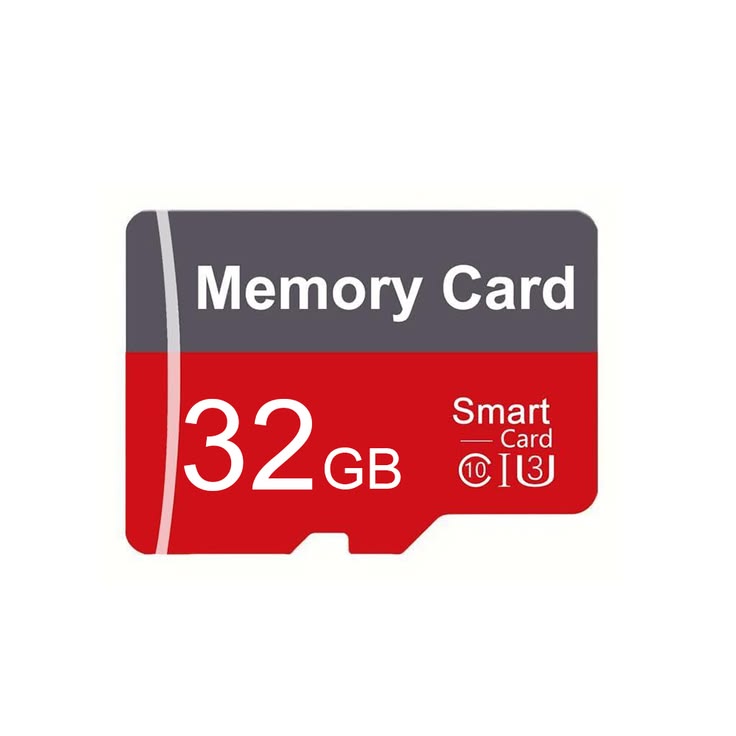
Memory cards are small storage devices used in phones, cameras, and tablets. They store photos, videos, and other files. They have a small size but hold a large amount of data. Common types include SD cards and microSD cards.
Advantages and Challenges of Computer Use
Advantages of Computers
Speed: Data and instructions move through electronic circuits in computers at extremely high speeds. Many computers perform billions or trillions of operations in one second. Operations include calculations, sorting data, displaying images, recording sound, playing music, and showing videos.
Reliability: Electronic components in modern computers are reliable and rarely fail or stop working.
Consistency: When the same input enters different computers they produce the same results.
Storage: Computers move data quickly from storage to memory for processing and store it again for future use. Many computers store huge amounts of data and make it available whenever needed.
Communication: Most modern computers communicate with other computers often through wireless networks. They share input, processing tasks, output, and stored data with other computers or users.
Challenges of Computer Use
Health Effects: Long or improper computer use causes injuries or problems in the hands, wrists, elbows, eyes, neck, and back.
Privacy Violation: Many personal records such as medical records, credit reports, and tax records are stored in computers. Poor data protection leads to privacy violations and identity theft.
Impact on Employment: Computers increase productivity but many workers lose jobs when computers replace human tasks.
Environmental Impact: Computer production and computer waste damage natural resources and pollute the environment. Discarded computers release toxic substances such as mercury.
Summary
- The word computer comes from the word compute which means calculation.
- A computer includes input devices, output devices, system unit, storage devices, and communication devices.
- Advantages of computers include speed, reliability, consistency, storage, and communication.
- Disadvantages include health risks, privacy issues, public safety concerns, job loss, and environmental impact.
- Two major parts on the motherboard are the processor and memory.

2 Responses